Product still life
A matte lavender ceramic mug on a warm stone counter, soft morning window light, minimal background, editorial product photography, no lettering.
 Dolora
DOLORA / AI Image Generator
Describe the scene you have in mind, choose an available image model, and create in your Dolora workspace. Start with a prompt or add a reference image to guide the result.
Active paid plan required · Credits depend on your settings · View plans and credits
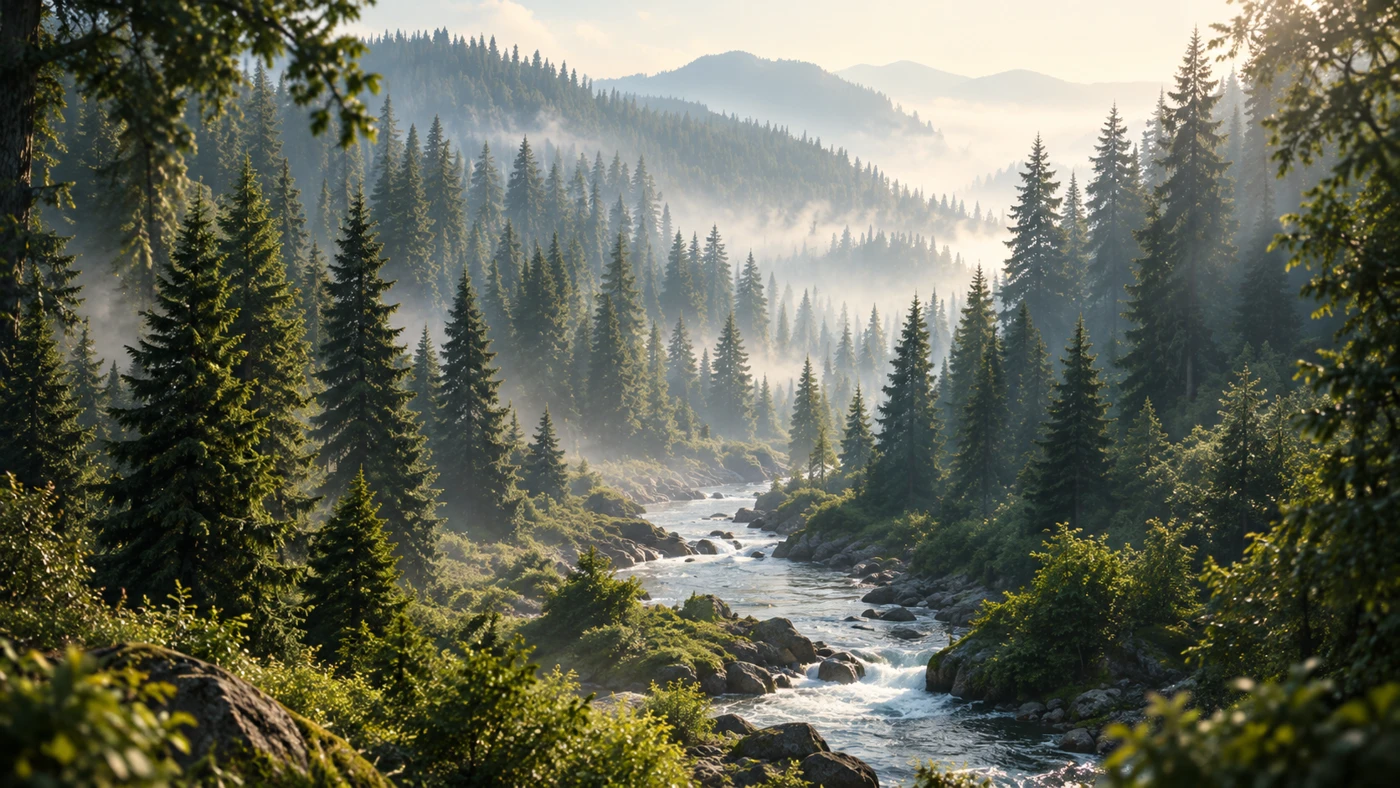
Illustrative example · Not a live generation
Make room for
An image prompt works best when it names the subject, setting, composition, and light. Add what you want to avoid when it matters. Dolora brings model choice and creation history into the same workspace, so you can refine a direction without losing the original idea.
Describe the subject, background, lighting, and visual style. If you have a reference image, attach one that you are allowed to use.
Pick an available model, aspect ratio, and supported image settings. Read the expected credit charge and the separate temporary reserve.
Sign in with an active paid plan, start the request, and review the output. Download the result or return to it in your creations library.
Copy a prompt, open the tool, and make it your own. Nothing generates until you choose to start.
A matte lavender ceramic mug on a warm stone counter, soft morning window light, minimal background, editorial product photography, no lettering.
An original 3D illustration of a small orange paper boat floating above gentle lilac waves. Clean composition, soft material textures, room for a headline on the left.
A quiet home office with an oak desk, a small plant, warm natural light, and carefully arranged stationery. Realistic interior concept, wide composition, no logos.
Image generation requires an active paid Pro, Max, or Ultra plan and enough credits. The Free plan’s welcome credits cover text tools. Opening a tool or copying an example does not start a generation.
You can attach a reference image for supported image workflows. Available inputs and settings depend on the model. Use an image you have permission to submit, and describe what to preserve or change.
The model and settings determine the credit estimate. Dolora shows an expected charge and a temporary reserve before generation. Unused reserve returns after confirmed settlement; uncertain requests may remain held for reconciliation.
Your next step is in Dolora. Sign in, choose a model, and review the estimate before generating.